

Stop Checking 47 Different Places for Updates: Meet follow.it

I don't know about you, but I have approximately 47 websites, people, topics, companies, and random things on the internet that I want to keep up with.
And apparently my preferred method for doing that has been:
Remember to check them.
Which, as you can imagine, works beautifully. 😂
Maybe I want to know when one of my favorite websites publishes something new. Or what's happening in the news in Spain. Or when someone mentions my business. Or whether a website I'm responsible for has gone offline.
Or whether a backlink disappeared. Or when a YouTube channel I actually care about publishes something new. Those are all things I'd like to know.
But I absolutely do not want to spend my day opening 15 tabs to find out.
That's why I started looking at follow.it. And after playing around with it, I think it's one of those tools that could be surprisingly useful for both your personal internet consumption and your business.
Heads up: this post may contain affiliate links. In other words, if you make a purchase using my link, you won’t pay a dime more but I’ll earn a small commission. My chips and salsa fund thanks you from the bottom of its heart… er stomach?
Table of Contents
So... what is follow.it?
The easiest way I can describe it is: follow.it lets you create your own little alert system for the internet.
You choose the websites, topics, news, people, companies, social activity, and other things you want to keep an eye on, and follow.it brings the updates to you. You can choose how you want to receive updates — including email, RSS, Telegram, browser notifications, and other delivery options. You can also choose between individual updates, daily digests, and weekly digests.
Instead of you constantly asking: "Did anything new happen?"
you can basically tell follow.it:
"You check."
And you're not limited to one type of update, either. You can use it to follow websites and blogs, aggregate news, monitor your own website, keep an eye on backlinks, follow YouTube channels, track LinkedIn activity, and more.
Use it to follow the stuff you actually want to read
Let's start with the obvious one. If there are websites or blogs you love reading, you can follow them through follow.it and have new content delivered to you instead of remembering to go check each site.
This is particularly useful if you follow a bunch of smaller websites that don't have a newsletter—or if you don't want to sign up for yet another email list just to know when something new is published.
And you can filter what you're receiving, too. So if a website covers six different topics but you're only interested in two of them, you don't necessarily have to receive everything.
Because the last thing any of us needs is another inbox full of stuff we don't care about.
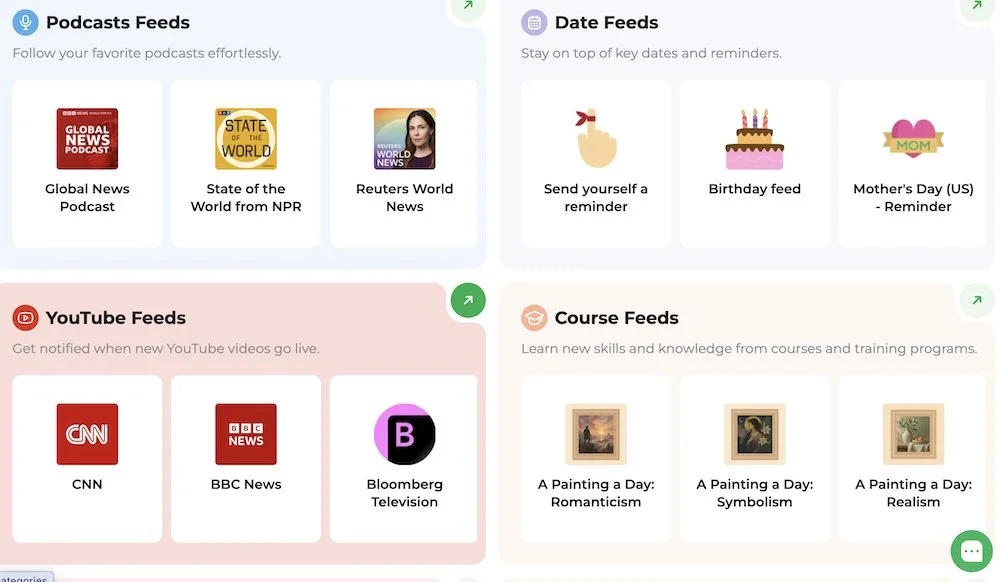
You can also create your own news feed
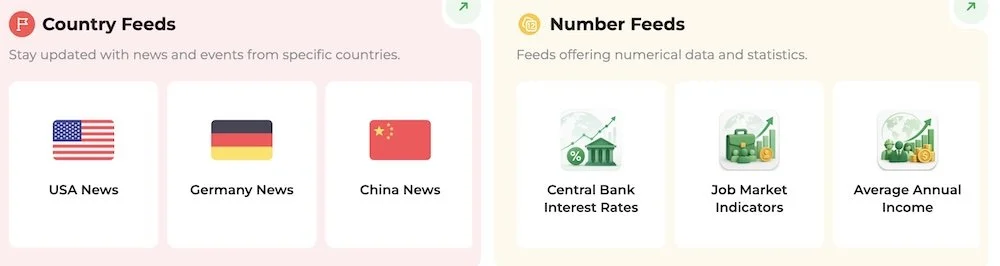
follow.it has feeds for things like:
Country news
Topics
Companies
People
YouTube
Websites and blogs
And more
So, for example, I could create a feed for news from Spain, follow a few publications I like, add some topics I'm interested in, and have those updates come to me.
follow.it is more than a "read websites for me" tool
follow.it also has a bunch of monitoring features that are much more relevant if you run a business—or manage websites for clients. Here are a few examples.
Want to know if your website goes down?
You can set up website offline alerts. Because finding out your website has been down for three hours because somebody happened to text you:
"Hey, is your website working?" is not exactly the monitoring system I'd recommend.
Instead, follow.it can keep an eye on your site and alert you when it becomes unavailable.
That's particularly useful if you're managing websites for clients and don't want to rely on them being the ones to notice a problem first.
Need to keep an eye on your SSL certificate?
Nowadays, most hosting platforms give you an option to purchase an SSL certificate. Some, like Squarespace, include SSL at no extra cost and will take care of it for you. But if you bought your SSL certificate from a separate company, it´s a good idea to know in advance when it´s time to renew it so your visitors don´t get blasted with insecure website warnings when they try to visit your site.
follow.it can send you alerts before your SSL/TLS certificate expires so you have a chance to deal with it before it becomes a problem.
Want to know when a backlink disappears?
If you're paying attention to SEO, this one's worth a look. follow.it can monitor backlinks and alert you when things change—including when a backlink disappears or changes in ways that could affect its value.
Again, it's one of those things you could manually check. But why would you? Let the software do the checking.
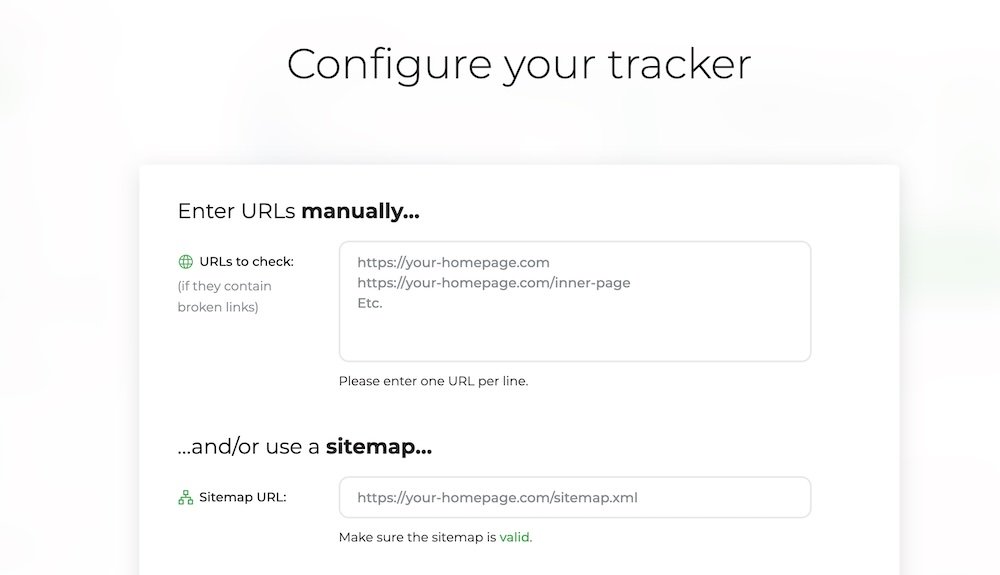
Monitor broken links
This is another cool feature that follow.it offers. All you have to do is provide it with your website´s sitemap and it will keep track of all the links on your website. If one of them gets broken, you´ll get notified so you can fix it instead of letting your visitors run into a 404 page.
Keep an eye on LinkedIn activity
You can also create LinkedIn monitoring feeds based on keywords and hashtags. That could be useful if you're tracking:
Your business name
Your own name
A particular topic
Industry conversations
Competitors
Specific keywords
Instead of scrolling LinkedIn hoping you happen to see something relevant, you can have matching activity collected for you. And honestly, I think that's the bigger idea behind follow.it.
It's not necessarily about consuming more information. It's about making sure the information you actually care about doesn't get lost in the noise.
A few other things you can monitor
There are a lot of different feeds available, so I haven't tested every single one.
But some of the other options include:
YouTube channels
Country news
Companies and organizations
People
Topics
Weather alerts
Exchange rates
You can also use filters to get more specific about what you want to see. So instead of creating a giant firehose of information, you can make your feeds much more targeted.
How I'm use follow.it in my own business
I´m still exploring everything follow.it can potentially monitor for me but here´s what I´ve set up so far:
I´ve set up an alert for my own websites so I know when they go down. This way, I can send people direct checkout links or redirect them to a sales page set up on ThriveCart for a particular product.
Over the years, I´ve managed to accumulate over 500 backlinks to my website. Needless to say, keeping track of them can be tedious. follow.it makes it easy to upload a CSV of all of them and then lets me know if one of them gets removed or if the status changes
I have feeds for a few websites and topics related to web design, marketing, and tech news.
And finally, I´ve set up a few feeds for some of my favorite YouTubers so I don´t have to remember their posting schedule or manually check every day for a new video.
follow.it has a lifetime deal on AppSumo right now
follow.it has launched on AppSumo, and there's currently a lifetime deal starting at $49.
The different tiers give you different limits and features, so you can choose the level that makes sense for how much you want to monitor. And because it's a lifetime deal, you're not adding another monthly subscription to your growing collection of business software.
Check out the follow.it AppSumo lifetime deal.
Is follow.it worth it?
I'm not going to tell you that you need another tool. God knows I don't need another tool. 😂
But if you're currently keeping track of a bunch of websites, news sources, social activity, client websites, backlinks, or other online information by manually checking them, follow.it is worth exploring.
What I like about it is that you can use it for completely different purposes.
You might use it as a personalized news reader. You might use it to keep up with your favorite websites. You might use it as a website monitoring tool. You might use it for SEO.
Or you might do what I'm doing and realize there are about 12 things you keep checking manually that could probably just send you an alert instead.
And if you've been eyeing the AppSumo deal, the $49 starting price makes it a pretty easy one to investigate. See the follow.it lifetime deal on AppSumo.
For more tips and tricks, check out these articles:



Tired of checking a million different websites for updates? follow.it lets you bring website updates, news, alerts, monitoring, and more into one place—so you can spend less time checking and more time actually doing things.