


BEFORE YOU BUY
How Squarespace Templates Work
Everything you need to know before you buy — no tech degree required.
NOT A FILE YOU DOWNLOAD
This isn't how Squarespace templates work
If you've bought a WordPress or Showit template before, Squarespace templates work a little differently — and that surprises a lot of people.
Because Squarespace is a closed platform, templates can't be packaged up as a ZIP file and installed the way you might be used to. Instead, my templates are fully built demo websites that live inside my Squarespace account.
When you purchase, I hand-deliver your template directly to your account. No installation, no technical setup on your end. What you get is a complete, professionally designed website ready for you to customize and make your own.
CHOOSE YOUR PATH
Two ways to get started
When you purchase, you'll choose the installation option that fits your situation. Not sure which one is right for you? Reach out and I'll help you figure it out.
01
STARTING FRESH
New Website
You'll receive access to a brand new 12-month Squarespace trial site within 1 business day of purchase. All features enabled, fully editable — build in the background while you gather your copy and photos. No subscription required until you're ready to go live
02
ALREADY ON SQUARESPACE
Existing Website
Already have an active Squarespace site and want a full makeover? I'll install the template directly onto your existing website within 2 business days. Your live site stays up while we work — I'll rebuild the template around it, then hand it back ready to customize.
HOW IT WORKS
From purchase to published
01
Purchase
Choose your design and select your installation option — new site or existing site.
02
Delivery
You'll receive an email invite to access your template site within 1–2 business days.
03
Customize
Watch the included tutorials, swap in your photos and copy, and make it yours.
04
Launch & celebrate
Purchase your Squarespace subscription, connect your domain, and go live. 🎉
Ley Design Studio Templates in the wild
Got questions?
Answers to the things you're probably wondering
Don't see your question here? Send me a message — I'm happy to help.
-
Nope. A 12-month trial gives you 1a full year to build and customize your site before you need a subscription. All Squarespace features are fully enabled — your site just won't be publicly visible until you're ready to launch. When you do subscribe, you'll automatically get 25% off any annual plan.
-
You can edit your Squarespace subdomain (the .squarespace.com part of the URL) during the trial. To connect a custom domain like yourbusiness.com, you'll need to purchase a Squarespace subscription. Most clients connect their domain right at launch, after they've finished customizing.
-
All of my templates are built on Squarespace 7.1 with the Fluid Engine editor — the current and most up-to-date version. This means you get independent mobile editing, freeform block layouts, and all the latest platform features.
-
For new website installs — no. Your template site is a brand new site that runs alongside your existing one, so nothing on your current site is touched. For existing site installs, your blog posts and pages stay intact. We can discuss the best approach for your situation before you buy.
-
For existing site installs, I'll put your site into password-protected mode while I work — so it won't be publicly visible, but it's not truly "down." Most clients use this as an opportunity to do a proper relaunch once the new design is ready. The install typically takes 2 business days, then you'll have time to add your content before removing the password and going fully live.
-
Yes — every template has a fully live demo site linked on its product page so you can click through the entire thing before purchasing. You can also browse the template shop to compare designs side by side.
-
Not at all. My templates use minimal to no custom code, and everything you need to customize — colors, fonts, images, text — can be changed directly inside the Squarespace editor. Every template comes with detailed video tutorials so you're never staring at the screen wondering what to do next.
-
Yes! If you purchased a yearly subscription within the last 14 days, Squarespace offers a full refund if you want to switch to a new trial site instead. Past 14 days, you can switch to a monthly plan and Squarespace will refund the remaining balance. Reach out before purchasing and I'll help you figure out the best approach for your situation.
Everything You Get With Every Template
Easy Customization
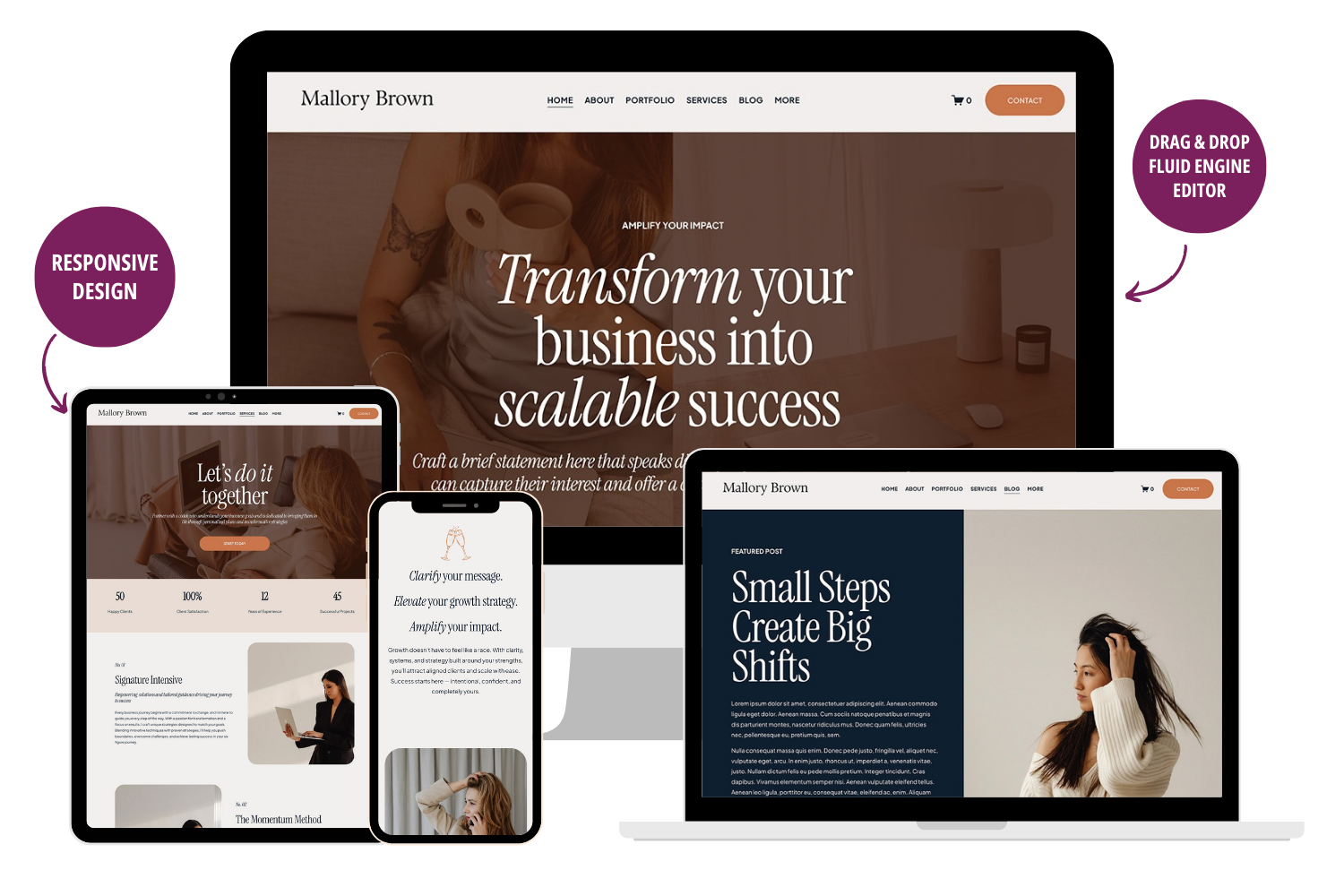
Squarespace’s easy-to-use drag-and-drop editor makes customization a breeze!
Responsive Design
Your website will look flawless on every device—from smartphones to 4k monitors.
Video Tutorials
Our tutorial library holds your hand through the entire customization process.
Extended Trial
With an extended 12-month Squarespace trial, you have plenty of time to launch.
25% Discount
Get a 25% discount on the first year of your annual Squarespace subscription.
Email Support
Get 90 days of dedicated email support, plus lifetime Squarespace support!
READY TO GET STARTED?
Find the template that's right for you
Browse the full collection, or get in touch if you'd like help choosing. There's no pressure and no pitch — just honest advice about what will work best for your business.